

How to Hide What You’re Reading on Kindle: Privacy Settings for Spicy Readers (2026)
If you have ever wondered how to hide books on Kindle before handing it to a curious sibling, a coworker or a houseguest who only wants to see how it works, you are in excellent company. From across the room, an e-reader is wonderfully discreet. Up close, the device, the app and your Amazon account can still give you away: a sleep screen showing your current cover, a home screen full of recent reads, a shared household library, a public Goodreads shelf.
This guide covers every place your reading can leak, with short steps for each. Kindle menus shift with software updates and differ between models, so where a path varies, we say so.
Affiliate disclosure: This post contains Amazon affiliate links. As an Amazon Associate, Fractal Enigma earns from qualifying purchases at no extra cost to you.
Your Kindle Privacy Checklist
- Remove lock-screen ads (special offers).
- Turn off the book cover on the sleep screen.
- Keep recent covers off the home screen.
- Know when to remove a download and when to delete.
- Review what your Amazon Household can see.
- Give children their own profile.
- Lock the Kindle app on your phone.
- Tighten Goodreads and review visibility.
- Understand what archiving an order really does.
- Add a plain cover for physical privacy.
1. Remove Lock-Screen Ads (Special Offers)
Many Kindles are sold with what Amazon calls special offers: ads that fill the lock screen while the device sleeps. They are mostly book promotions, and you don’t get to choose which covers appear on a Kindle sitting on your desk, your nightstand or the arm of the couch.
You can remove them after purchase for a one-time fee. Amazon shows the amount before you confirm.
- Sign in to Amazon and open Manage Your Content and Devices.
- Choose the Devices tab, then select your Kindle.
- Find the ads (special offers) option, choose to remove them and confirm the charge.
- Connect the Kindle to Wi-Fi so the change can reach it.
2. Turn Off the Book Cover on the Sleep Screen
In 2021, Kindles without lock-screen ads gained an option to show the cover of your current book as the sleep screen. It’s charming for a cozy mystery. It’s less charming when the current book is a five-chili workplace romance and the Kindle is lying face-up on a conference table.
- Open Settings on the Kindle.
- Look for Display Cover. It has lived under Device Options, but a 2024 software update changed how the cover setting works on some models, so check the nearby menus if it isn’t there.
- Switch it off to return to the standard sleep screen.
If you just removed special offers, check this setting straight away. An ad-free Kindle is exactly the kind that can display a cover.
3. Keep Titles Off the Home Screen
The home screen is the bigger giveaway, because it shows recent reads as covers the moment someone wakes the device. Three fixes, from lightest to strongest:
- Open to your library instead. On many recent Kindles, Settings › Device Options › Advanced Options › Home & Library includes a Home Screen View toggle; switching it off skips the cover-heavy home page. Names vary by model and software version.
- File spicy reads in a collection. Give it a dull name such as Work Docs, then set your library to show collections so individual covers sit a tap deeper.
- Remove the download when you finish. Titles that aren’t on the device drop out of the Downloaded view.
None of these hide a book from your Amazon account. They hide it from someone glancing at the screen, which is usually the point.
4. Remove Download vs. Delete: Know the Difference
These options sound alike and do very different things.
- Remove download deletes the file from that one device. The book stays in your Amazon library, ready to download again whenever you like.
- Permanently delete removes a purchased book from your account. Current Kindle software can do it from the device, and Manage Your Content and Devices can do it on the web. To get the book back, you’d have to buy it again.
- Kindle Unlimited borrows can simply be returned when you finish.
For privacy, removing the download is usually enough. Delete permanently only if you never want the title in your account again.
5. Amazon Household and Family Library: Who Sees What
Amazon Household links up to two adults, four teens and four children. The two adults can turn on Family Library to share ebooks, and shared titles then appear in the other adult’s library on their own devices. Great for splitting costs. Awkward when your partner’s Kindle suddenly lists your entire romance backlist.
- On Amazon’s website, open Manage Your Content and Devices and look under Preferences for the Households and Family Library settings.
- Review what you share with the other adult and adjust it before you buy anything you’d rather keep to yourself.
- Remember that a shared login isn’t a household. Anyone signed in to your account sees your whole library.
6. Amazon Kids Profiles on a Shared Kindle
If children use your Kindle, give them their own profile instead of handing over yours. Kindle e-readers support child profiles, and a parent chooses what appears in each one, so an adult library stays in the adult profile. Amazon’s help pages walk through creating and editing a child profile on the device, and the Amazon Kids Parent Dashboard lets you manage profiles from another device.
7. Lock the Kindle App on Your Phone
Your phone is the device most likely to be picked up by someone else, so lock the app itself rather than counting on it to look discreet.
- iPhone: recent versions of iOS add an option, found by long-pressing an app icon, that requires Face ID, Touch ID or your passcode before the app opens.
- Android: many phones include an app lock, secure folder or private space. Names and locations vary by manufacturer and Android version, so search Settings for “lock” or “private.”
- Widgets and notifications: a reading widget can show a cover on your home screen, and notifications can appear on the lock screen. Remove the widget and silence notifications if you’d rather nothing show.
8. Goodreads, Reviews and Reading Activity
Goodreads is the most public corner of a reader’s life. Shelves, star ratings, reading progress and reviews can all surface in friends’ and followers’ feeds, and its account settings include privacy controls for who can see your profile. Pick the most limited option you’re comfortable with, then scan the shelves you already have.
- Check who can view your profile and your activity.
- Before posting progress or a rating from any app, check where the update will appear.
- Remember that reviews on retailer sites are public by design. Post under a public name you’re happy to have attached.
9. Archiving Amazon Orders: What It Hides and What It Doesn’t
Archiving moves an order out of your default order list, so it won’t show up when someone scrolls through Your Orders on a shared computer.
- In Your Orders, find the order and look for the option to archive it.
- Archived orders aren’t deleted. They stay viewable in your archived orders and remain part of your account history.
- Archiving doesn’t touch your Kindle library, household sharing or devices. An archived book can still sit on your home screen.
Archiving is tidying, not erasing. Pair it with the library and household steps above.
10. Physical Privacy: Plain Covers and Sleeves
A Kindle never shows a title on the outside, but a loud themed case still invites questions, and a paperback cover announces itself across a café. Three low-key options:
A plain folio case. Solid colors and faux leather look like any tablet case while protecting the screen. Match the exact Kindle model and generation before you buy.
See plain Kindle cases on Amazon →
A padded e-reader sleeve. Read case-free at home and keep the device anonymous in your bag.
See padded e-reader sleeves on Amazon →
A padded book sleeve. Hides paperback cover art and protects special editions in transit.
See padded book sleeves on Amazon →
Frequently Asked Questions
Can I hide a book on Kindle without deleting it?
Yes. Remove the download so it leaves the device, file it in a blandly named collection, or set your Kindle to open on the library instead of the home screen. The book stays in your account and can be downloaded again any time.
Can people in my Amazon Household see my Kindle books?
The other adult sees what you share through Family Library, so review those settings in Manage Your Content and Devices. Anyone who signs in with your own account login, however, can see everything.
Does archiving an Amazon order remove the book from my Kindle?
No. Archiving only hides the order from your default order list. The book stays in your library and on any device where it’s downloaded.
Now That Your Library’s Private
Four Fractal Enigma romances that make the setup worthwhile, across FF, MM and why-choose pairings. All are adult, high-heat reads, and every book page has a free first chapter.
For Professional Reasons — Aurora North
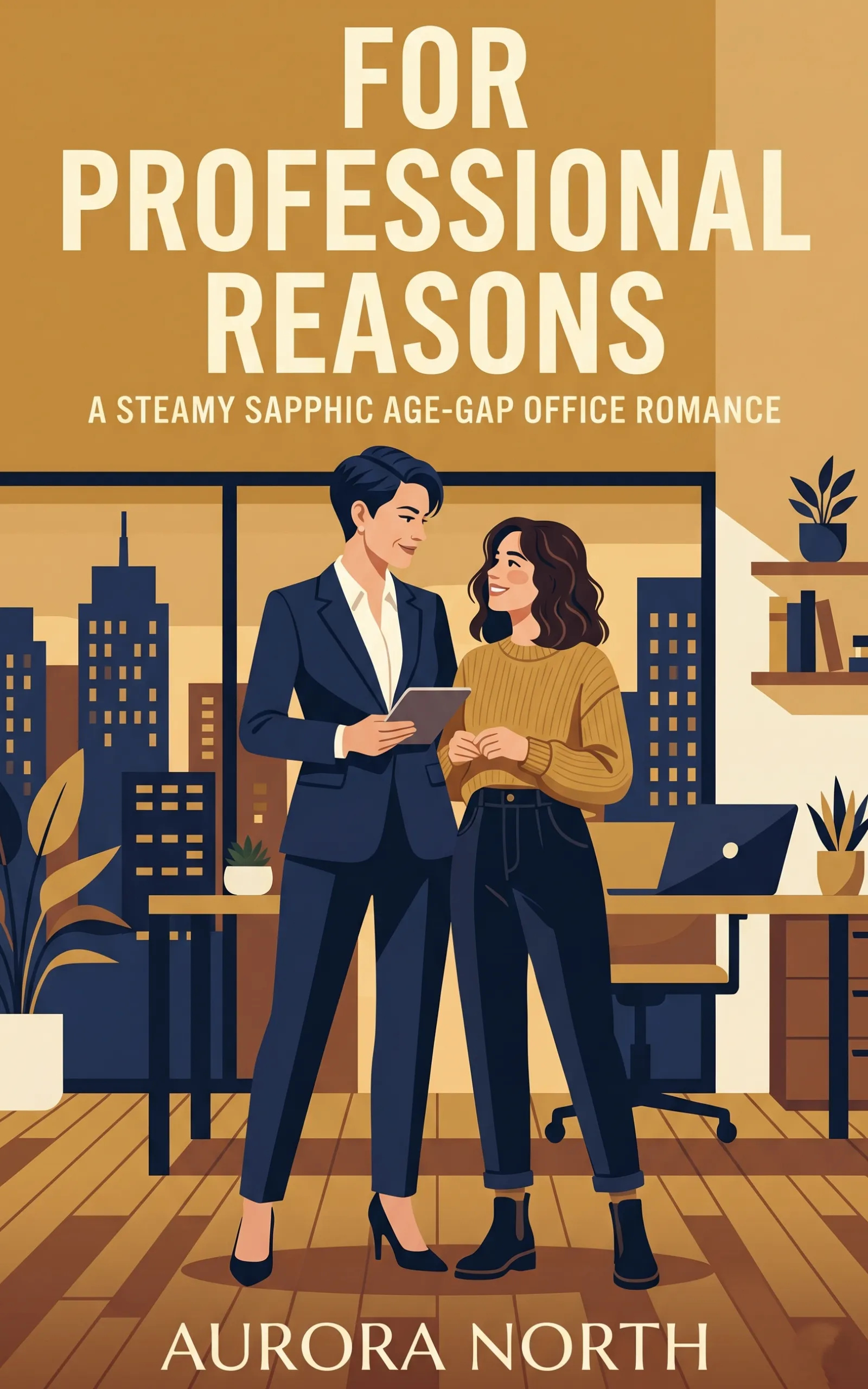
Our own review warned that this one will make your Kindle history blush, which makes it the natural first read for a freshly locked screen. Mara Finch is twenty-six, new to Portland and determined not to let a new architecture job rattle her. Her boss, Devon Hart, never raises her voice. She takes people apart with calm eyes and praise so precise it lingers for hours, and every closed-door meeting is billed as mentorship. An FF age-gap workplace romance, free with Kindle Unlimited.
Tropes: Age Gap, Boss/Employee, Praise Kink, Forbidden Workplace Romance, Ice Queen Melts, Touch Starved
Heat: Inferno 🌶️🌶️🌶️🌶️🌶️
Start reading For Professional Reasons →
Straight on Paper — Chase Power
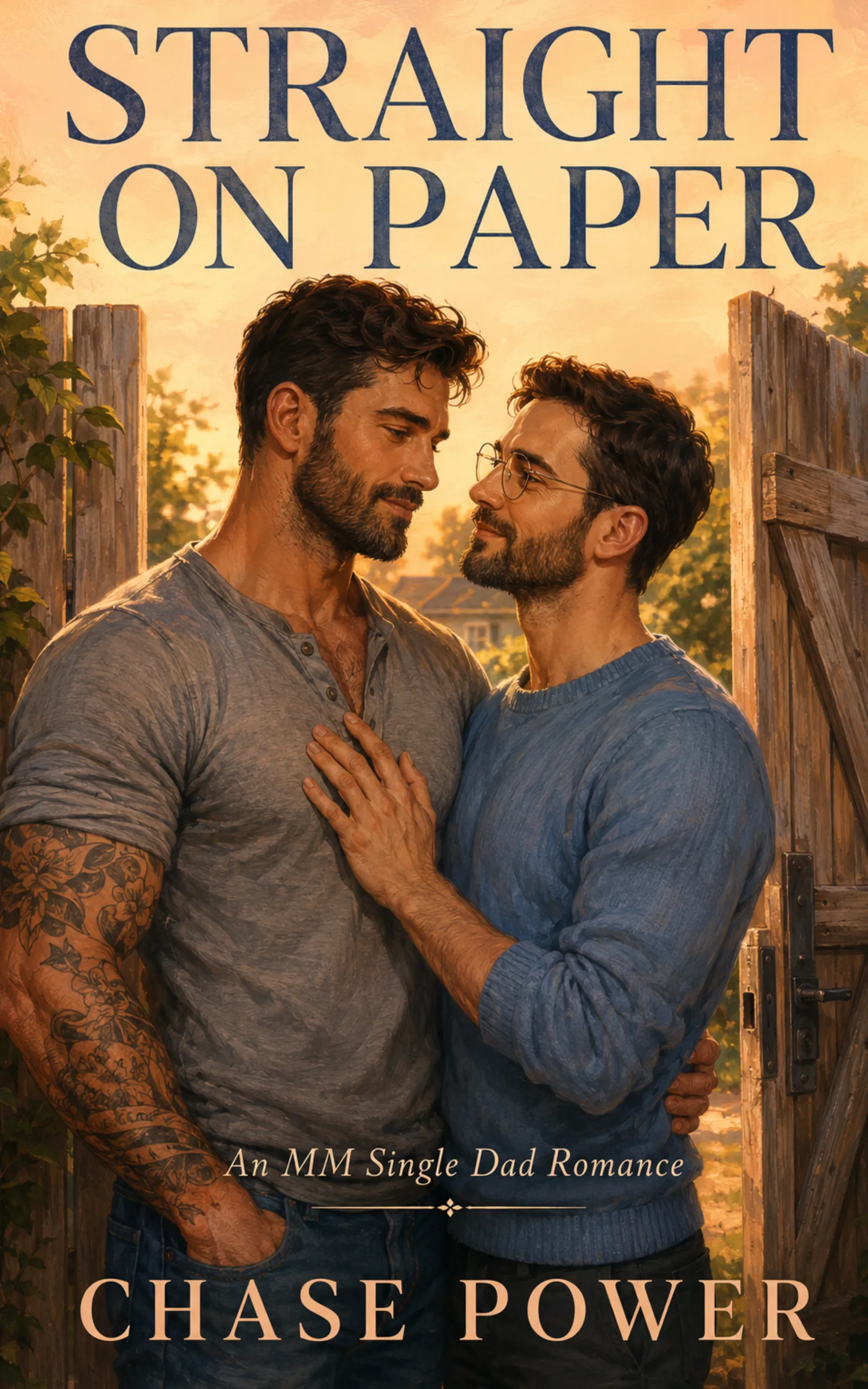
A single dad who has always measured twice and cut once finds every careful plan wrecked by the librarian next door. Adrian Vale, thirty-four, has spent his life as the safe choice, the dependable man people date between the exciting ones, and his last boyfriend called him perfect on paper before walking away anyway. Being wanted out loud is new territory for both of them. A slow-burn MM straight-awakening romance with found family at its heart, free with Kindle Unlimited.
Tropes: Straight Awakening, Single Dad, Neighbors to Lovers, First Time MM, Slow Burn, Found Family
Heat: Inferno 🌶️🌶️🌶️🌶️🌶️
Start reading Straight on Paper →
His Best Friend, Our Bed — Isla Wilde

Thin walls, advanced edition. Gordon Pike needs ten weeks, a spare room and zero complications, which is how he lands on the far side of a married couple’s very thin guest-room wall. The complication is the wife he has wanted for fifteen years, plus a husband with ideas of his own about how the arrangement should go. A why-choose MFM romantic comedy with forty-something, blue-collar leads and no M/M, available at all major retailers and in the Fractal Enigma store.
Tropes: Husband’s Best Friend, Why Choose, Fifteen Years of Pining, Thin Walls, Forced Proximity, 40-Something Leads
Heat: Inferno 🌶️🌶️🌶️🌶️🌶️
Start reading His Best Friend, Our Bed →
Keep It Down Next Door — Aurora North
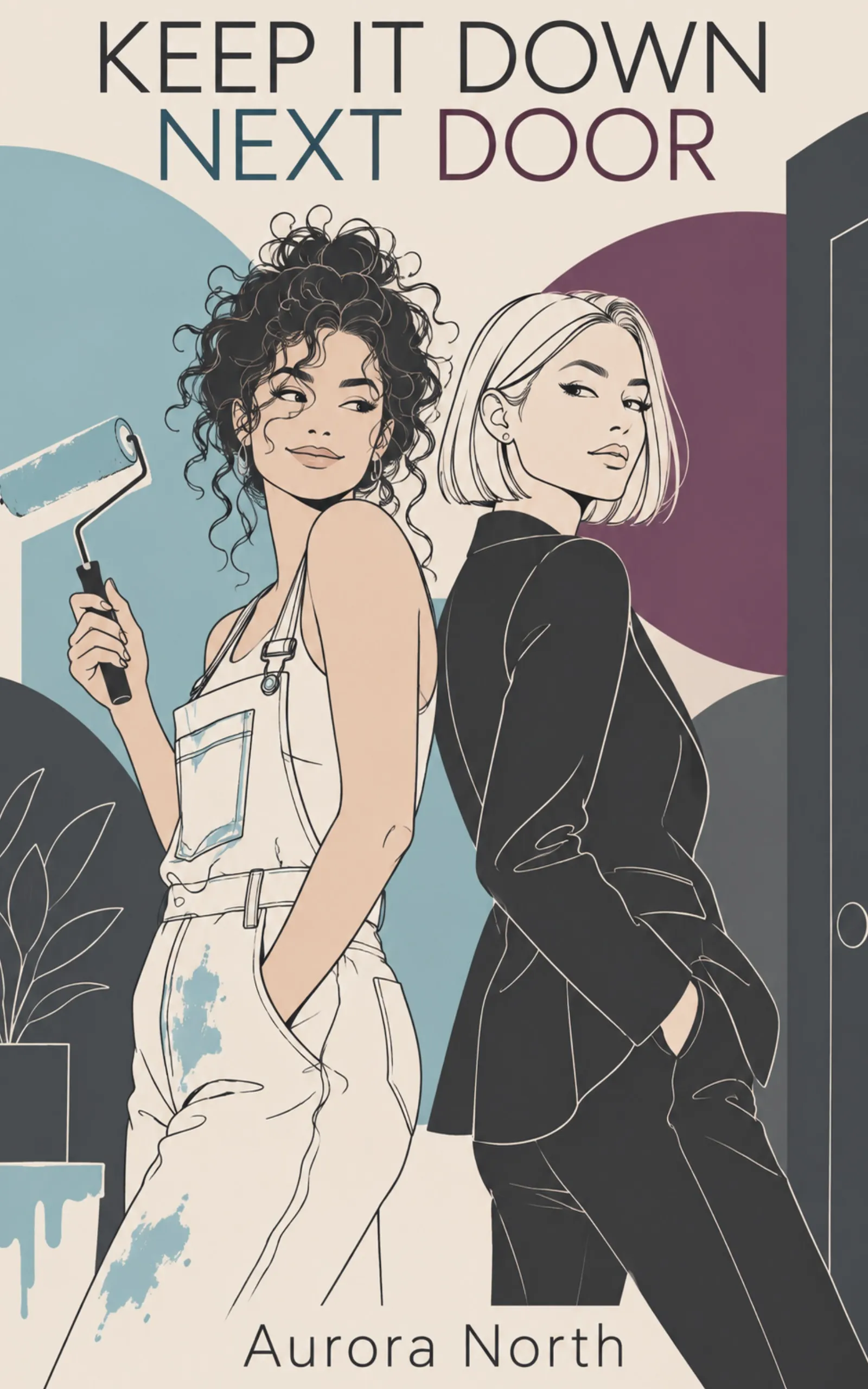
A romance about keeping it quiet, for readers who now know how. Lifestyle creator Mara Coen bought her first condo to prove she’s fine, and she’s thirty days from a brand deal that could save her mortgage. Then Eden Varick in 4A starts filing noise complaints: timestamped, bylaws cited, delivered late at night. Eden has built a silent, perfectly ordered life on the other side of a thin wall, and a blackout is about to change the terms. Free with Kindle Unlimited.
Tropes: Ice Queen, Grumpy/Sunshine, Enemies to Lovers, Neighbors to Lovers, Thin Walls, Blackout Forced Proximity, Age Gap
Heat: Inferno 🌶️🌶️🌶️🌶️🌶️
Start reading Keep It Down Next Door →
Want to upgrade the setup itself? Our guides to the best Kindle accessories for reading in bed and Kindle accessories for romance readers cover grips, stands and page turners. Choosing a new device? Start with Kindle vs. Kobo for romance readers. And if you’re weighing a subscription, Is Kindle Unlimited worth it? runs the numbers.
Get the Bonus Chapters First
Join the Fractal Enigma newsletter for new releases, free reads and bonus scenes we don’t post anywhere else.





One Comment
Comments are closed.